

Introduction
Smartphones have completely changed how we capture life’s moments. A birthday, a trip, a quiet evening at home — everything gets saved in just one tap. It feels safe because the phone is in your pocket. But here is the real question. Are those photos actually as private as you think?
Most of us never stop to wonder about this. We just take the photo and move on. But behind the scenes, a lot is happening with your images that you may not be aware of. Cloud syncing, app permissions, and growing cyber threats are making smartphone photo privacy more complicated than ever before.
In this blog, we will break down exactly how your private photos can end up in the wrong hands, and more importantly, what you can do to stop that from happening.
How Smartphones Changed the Way We Store Photos

Not long ago, photos lived in physical albums or on memory cards. You had full control over who could see them. Today, everything is digital and connected. Your phone stores thousands of images, many of them synced to the internet automatically without you even knowing.
This shift made sharing incredibly easy. But it also opened up a whole new world of risks around private photos on smartphones. The more connected your photos are, the more chances there are for something to go wrong.
Modern smartphones come with features that work in the background constantly. They sync your gallery to cloud accounts, allow dozens of apps to access your photos, and make sharing across platforms instant. These are useful features, but they also mean your images are no longer sitting safely in one place.
Why Smartphone Photo Privacy Is No Longer Guaranteed
Cloud Storage Is Not Always as Safe as It Sounds
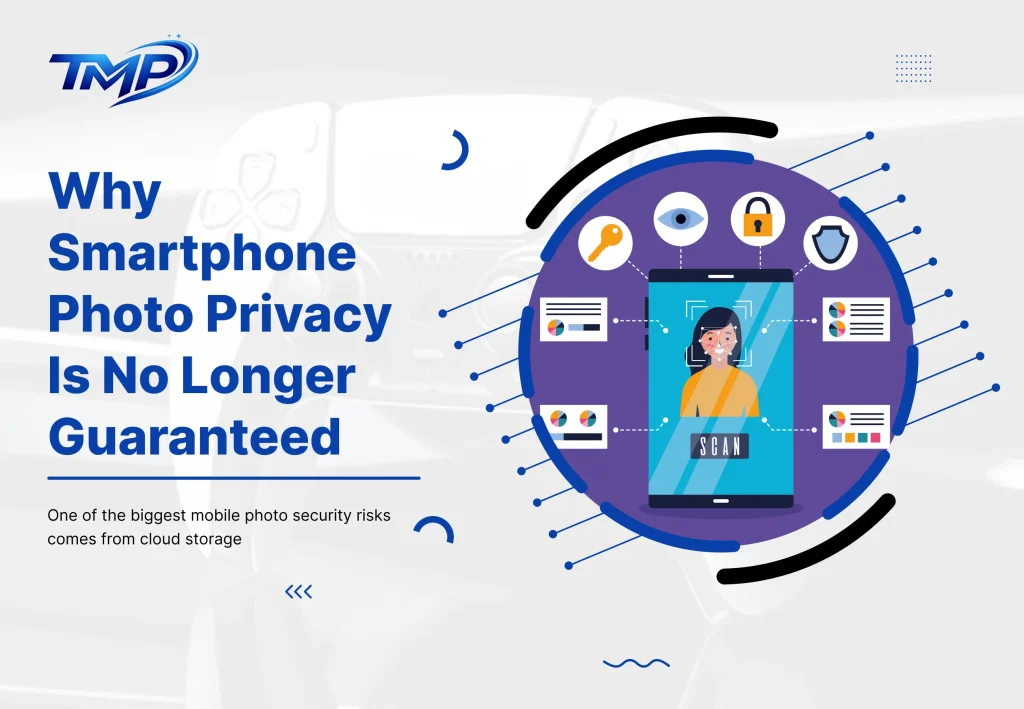
One of the biggest mobile photo security risks comes from cloud storage. Services like Google Photos and iCloud back up your photos automatically. That is convenient, but it also means your images are stored on remote servers that you do not physically control.
If your account password is weak or you have not turned on two-factor authentication, someone else could access your entire photo library from anywhere in the world. Account hacking is one of the most common ways private photos get exposed, and it happens more often than people realise.
Data privacy on mobile devices starts with understanding that cloud storage is not a vault. It is a shared digital space that requires proper security habits to stay safe.
App Permissions Are a Bigger Problem Than You Think
Think about how many apps on your phone have access to your gallery. Photo editors, social media platforms, messaging apps — the list is long. Many of these apps ask for full access to your photos, even when they do not really need it.
Some third-party apps store copies of your images on their own servers. Others may share your data with advertisers or partners. When you tap “allow” without reading the fine print, you are essentially handing over access to your most personal files.
Managing phone privacy issues means paying close attention to which apps you trust with your media. Not every app deserves that level of access.
Data Breaches Happen Even to Big Companies
No platform is completely safe from cyberattacks. Large companies with millions of users get breached every year. When that happens, the personal data stored on their servers — including photos — can be exposed.
If your images are automatically synced to multiple platforms, a single breach on one of them can put all of your private content at risk. This is one of the most overlooked mobile photo security risks that people face today.
Accidental Sharing Is More Common Than Hacking
Not every privacy loss comes from a hacker. Sometimes, it happens due to a basic mistake by a person. Uploading the wrong photo, sending an image to the wrong contact, or forgetting to change privacy settings before posting — these things happen all the time.
Once a photo is shared online, it is very hard to take back. Someone can screenshot it, download it, or forward it before you even realise your mistake. When it comes to protect photos on smartphone, your own habits matter just as much as your security settings.
A Lost or Stolen Phone Can Expose Everything
If your phone ends up in the wrong hands without proper security, your photos are the first thing at risk. A phone without a strong lock screen, without encryption, and without remote wipe enabled is practically an open book to anyone who picks it up.
Data privacy on mobile devices requires thinking about physical security too, not just digital threats.
The Role of Social Media in Photo Privacy
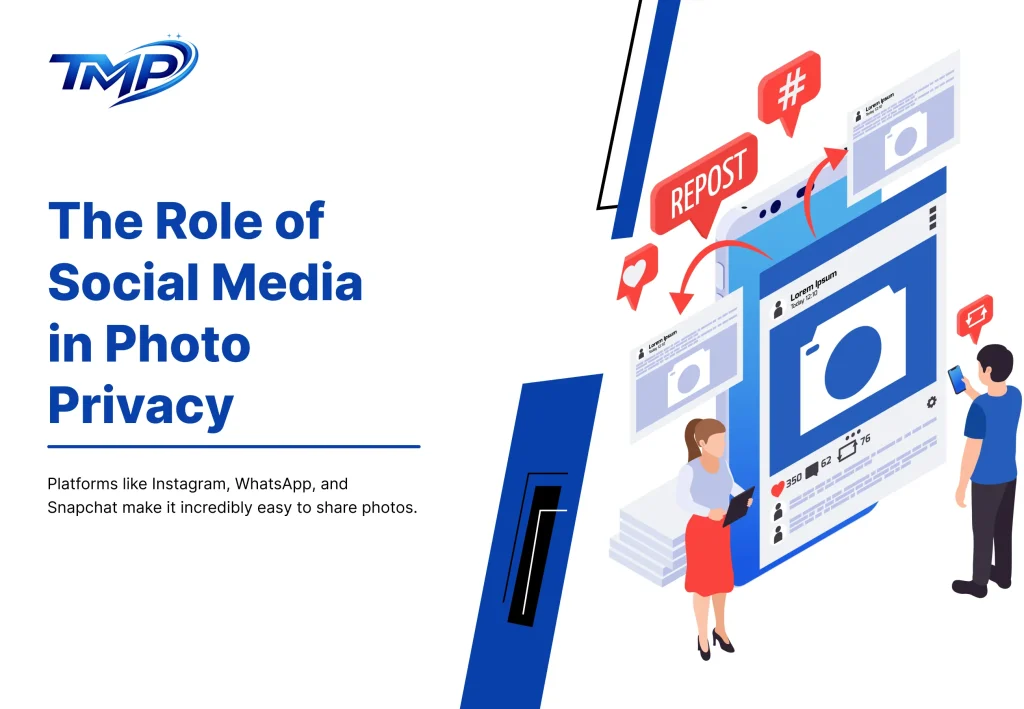
Platforms like Instagram, WhatsApp, and Snapchat make it incredibly easy to share photos. That ease is also the danger. When sharing feels effortless, it is easy to share more than you intend to.
- Screenshots can be taken without your knowledge
- Photos can be forwarded to people you never intended to see them
- Hacked accounts can expose your entire media history
Once a photo leaves your phone and enters a social platform, you lose a significant amount of control over it. Being thoughtful about what you share and with whom is one of the most effective ways to protect photos on smartphone.
How to Actually Protect Your Private Photos on Smartphone
Start With Your Security Settings
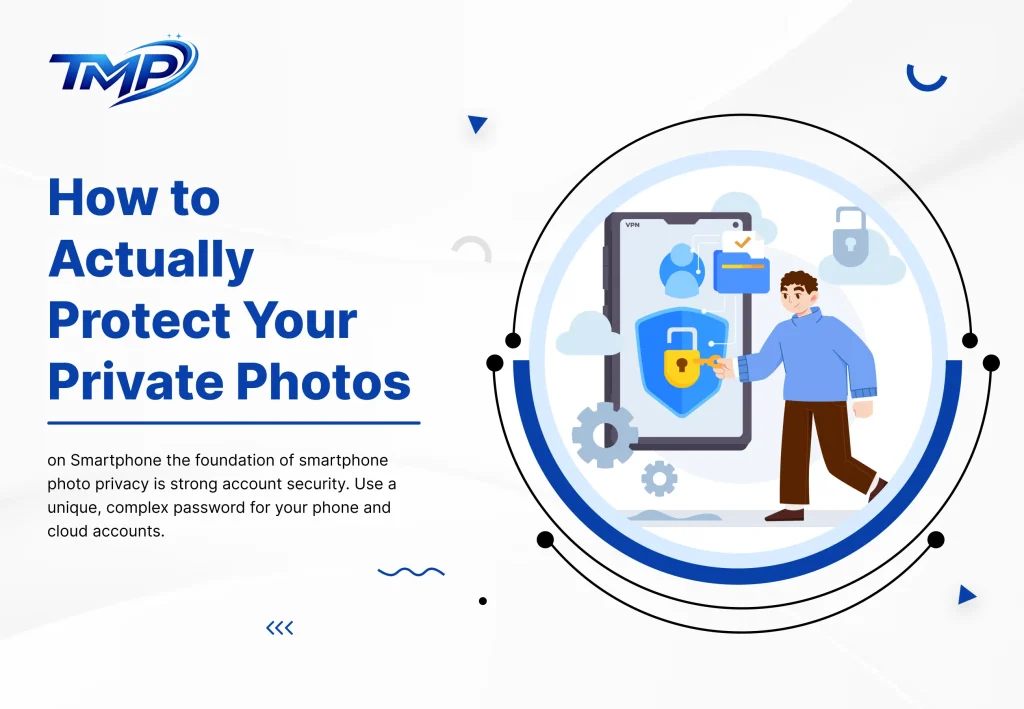
The foundation of smartphone photo privacy is strong account security. Use a unique, complex password for your phone and cloud accounts. Turn on two-factor authentication so that even if someone gets your password, they cannot log in without a second verification step. Enable biometric locks like fingerprint or face unlock for an extra layer of protection.
Take Control of App Permissions
Go into your phone settings right now and check which apps have access to your gallery. You will probably be surprised by the list. Remove permissions from apps that do not genuinely need them. Delete apps you no longer use. Only give access to apps you fully trust.
Be Smart About Cloud Backup
Cloud backup is useful, but it does not need to include everything. Turn off auto-sync for your most sensitive photos. Store them locally or in a secure, encrypted folder instead. Regularly review what is stored in your cloud account and delete what no longer needs to be there.
Use the Hidden Folder Feature
Most smartphones today come with a built-in secure or hidden folder. This is one of the easiest and most effective ways to keep sensitive images away from casual access. It takes two minutes to set up and adds a meaningful layer of protection.
Think Before You Share
Before sending or uploading any photo, pause for a moment. Ask yourself who will see it, whether it can be misused, and whether you are comfortable with it being out there permanently. This one habit alone can prevent a large number of phone privacy issues before they ever start.
Are Smartphones Really the Problem?
Here is the honest truth. Smartphones are not the enemy. The real concern is in our usage, not the device itself. The technology is powerful and the tools for privacy are there. A large number of users don’t actually use them.
Smartphone photo privacy is not just about what your phone does. It depends on the choices you make in your daily life. When you understand the risks and take simple steps to manage them, your phone can still be a very safe place to store your memories.
The Future of Photo Privacy
Things are moving in the right direction. Better encryption, smarter privacy alerts, stronger data protection laws, and more secure cloud options are all being developed. AI is also starting to play a role in identifying and flagging privacy risks before they become real problems.
But even with all of these improvements, the responsibility will always come back to the user. Technology can only do so much. The rest is up to you.
Final Thoughts
Your private photos on smartphones are only as safe as your habits. The risks are genuine, but they can be controlled. You do not need to be a tech expert to protect your personal images. You just need to be aware, be careful, and take a few simple steps.
Start with your passwords. Review your app permissions. Think before you share. These small changes can make a big difference in keeping your most personal moments exactly where they belong — private.
Here are 5 small FAQs to add at the end of your blog:
Frequently Asked Questions (FAQs)
Q1. Is smartphone photo privacy really a concern in 2026?
Yes, absolutely. With automatic cloud syncing, growing app permissions, and increasing cyberattacks, smartphone photo privacy has become a serious concern for everyday users, not just celebrities or businesses.
Q2. Can apps steal my private photos without my knowledge?
Some third-party apps can access and store your photos if you have granted them gallery permissions. Always review which apps have access to your media and remove permissions from apps you do not fully trust.
Q3. Is cloud storage safe for private photos?
Cloud storage is generally safe, but it is not risk-free. Weak passwords, disabled two-factor authentication, and platform data breaches can all expose your photos. Use strong security settings and avoid auto-syncing your most sensitive images.
Q4. How can I hide private photos on my smartphone?
Most Android and iPhone devices offer a built-in secure or hidden folder feature. You can move sensitive photos there so they do not appear in your regular gallery. It is a simple and effective way to add extra protection.
Q5. What is the easiest first step to protect photos on a smartphone?
The easiest first step is enabling two-factor authentication on your phone and cloud accounts. It takes less than five minutes and significantly reduces the risk of someone accessing your private photos remotely.





Leave a Reply